Keep the task close at hand
The interface starts with the reports a person needs today. A short, staged form gives each inspection item enough space, with progress and draft status visible throughout.
 KalkiWeb
The detail is easiest to record where the work happens. Fieldline explores a reporting flow for small screens with clear input, local saving and a clear indication of where each report is stored.
Studio concept / Interactive prototype
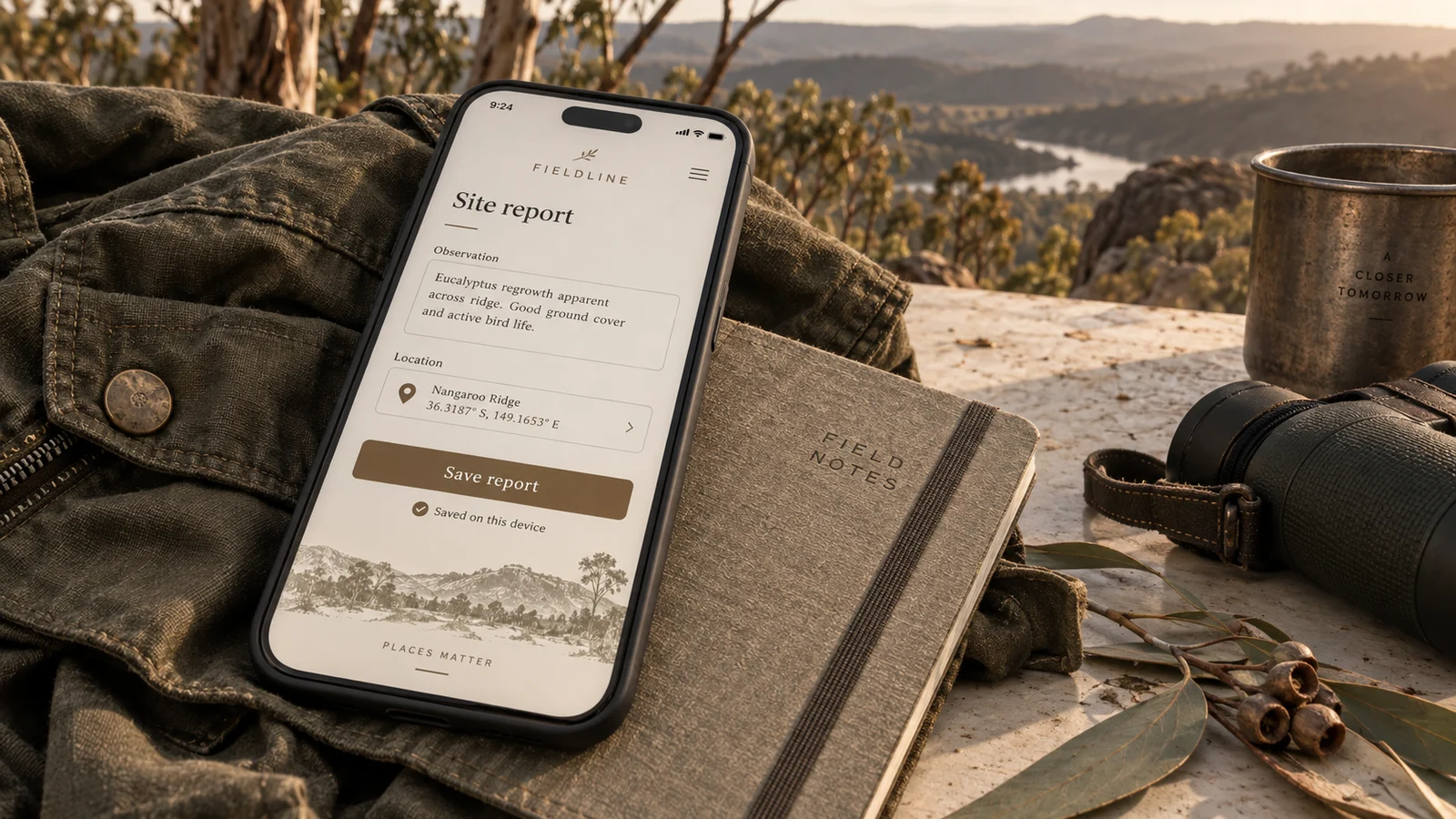
Capture the observation while it is still in front of you
The scenario
Choose a sample condition and add an inspection note. The task stays short enough to complete on a small screen.
Save the report on this browser. The confirmation says exactly that, not that it has reached an office.
Refresh to inspect the saved report, export a text copy or clear the demo data. No report is uploaded.
Now try it
Create a sample inspection, save it on this browser and export the text. Reports stay on your device and are not uploaded.
Saved here
Room for the next observation
Complete the form to see a saved report here. It will remain on this browser after a refresh, if browser storage is available.No report is sent to a server. Use sample information only.
Behind the concept
The brief follows a field team recording inspections on paper for the office to review later. The concept explores reporting on a device, with synchronisation and connection handling proposed for a full application.
The approach
The interface starts with the reports a person needs today. A short, staged form gives each inspection item enough space, with progress and draft status visible throughout.
Saved on this device, waiting to send and received by the office are different states. The concept makes those differences explicit instead of using one ambiguous success message.
A production build would need durable storage, conflict rules, retry behaviour and testing on the actual devices used in the field. The study makes those requirements visible rather than treating offline support as a label.
In focus
Next concept